Keep the essentials up to date, then help your neighbours find you. Come back to this guide whenever you need a hand.
Supplier setup in three steps
01
Spot details
Keep the address, supported buildings, and instructions precise.
02
Availability
Publish open or recurring hours and block exceptions.
03
Trust
Set a minimum rating, review bookings, and rate completed stays.
Watch the setup guide · 30 secondsStripe onboarding and your first parking space · English voiceover · English captions
Choose your payout country, then follow Stripe’s prompts for your personal details, parking activity, bank account and any requested verification. Return to Baymity and check that payments and payouts are enabled; approval may take longer than the video. Complete your Baymity tax profile, add your parking space and publish its prices and available times.
Supplier guide · Promote your space
Good parking deserves to be found.
Help neighbours and their visitors find your space. Create a flyer, share your link, and make the next arrival simple.
Choose your space. Your booking link, flyer and messages are ready to personalise.
Loading your parking spaces…
Your local playbook
Small steps. More people in the know.
Pick one idea to try today. Open a card for practical tips.
01Make a great first impressionClear details, current dates and an easy arrival.
In your supplier dashboard, check the selected spot's address, vehicle limits, prices and availability. Describe who the space suits and when it can be booked. Keep the calendar current so an interested visitor can find a suitable time.
For underground parking, explain how access is arranged and whether a host is needed. Keep gate codes, keys and private contact details out of public posts and flyers. Share only the public location and information needed to choose the space.
02Take your space to the noticeboardA simple flyer can reach the people just around the corner.
Your dashboard already offers Promote your spot in the promotion gadget and selected-spot panel. Select a space, review the prefilled text, add its vehicle restrictions, then download an A4 or A5 PDF in color or black and white. The flyer includes a QR code and a readable link to that space's booking journey.
With permission, use your building's entrance noticeboard, a resident newsletter or a nearby café or clinic. A notice inside the garage reaches existing residents; an entrance notice can help residents arrange parking for visitors. Keep the QR code clear and test a printed copy with your phone.
Check any printed price or availability claim before distributing the flyer. Replace outdated copies and direct people to the booking link for the current price and available times.
03Start a neighbourhood conversationResidents, local groups and nearby businesses are a good start.
Share a short, personal message in a resident or neighborhood group where promotion is welcome. Explain the location and invite people to forward the link to visitors. Ask a nearby business whether the space could help its customers during your available hours.
If another resident has an unused space, invite them to create their own supplier listing. Keep that invitation separate from the message inviting drivers to book your space.
04Let your booking link do the talkingShare a ready-made message where your neighbours already connect.
Choose your space in the promotion tools above. Each message includes its direct booking link; copy it and adjust the wording to your audience. On Instagram, place the link in your profile or a story link sticker as well as mentioning it in the caption. Begin with relevant local groups before paying for a wider campaign.
05Make the next visit just as easyHelpful instructions and reliable availability give guests a reason to return.
Keep arrival instructions clear, respond to booking questions and maintain reliable availability. Invite satisfied guests to save your booking link for their next visit. Use your dashboard's bookings and earnings to review progress, and ask guests how they found the space before spending more on promotion.
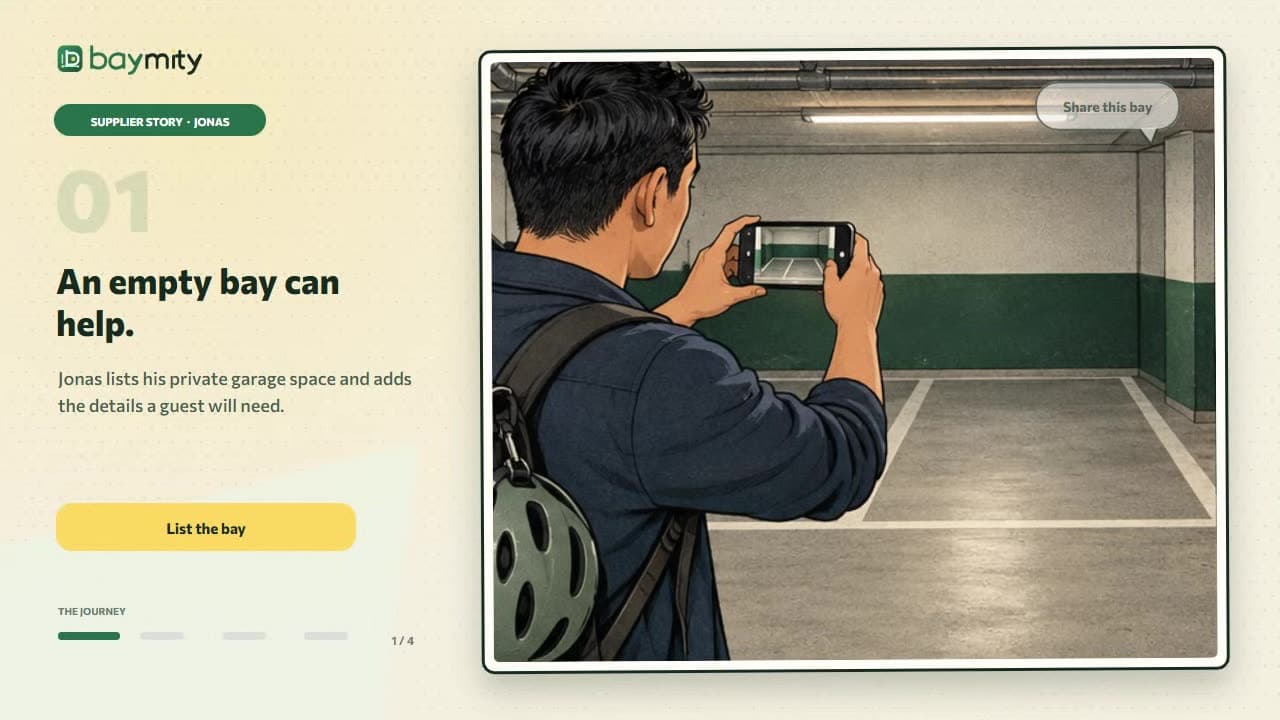
04Let your booking link do the talkingShare a ready-made message where your neighbours already connect.
Choose your space in the promotion tools above. Each message includes its direct booking link; copy it and adjust the wording to your audience. On Instagram, place the link in your profile or a story link sticker as well as mentioning it in the caption. Begin with relevant local groups before paying for a wider campaign.
Start sharing